Features

Everything your team needs, connected around the way you work

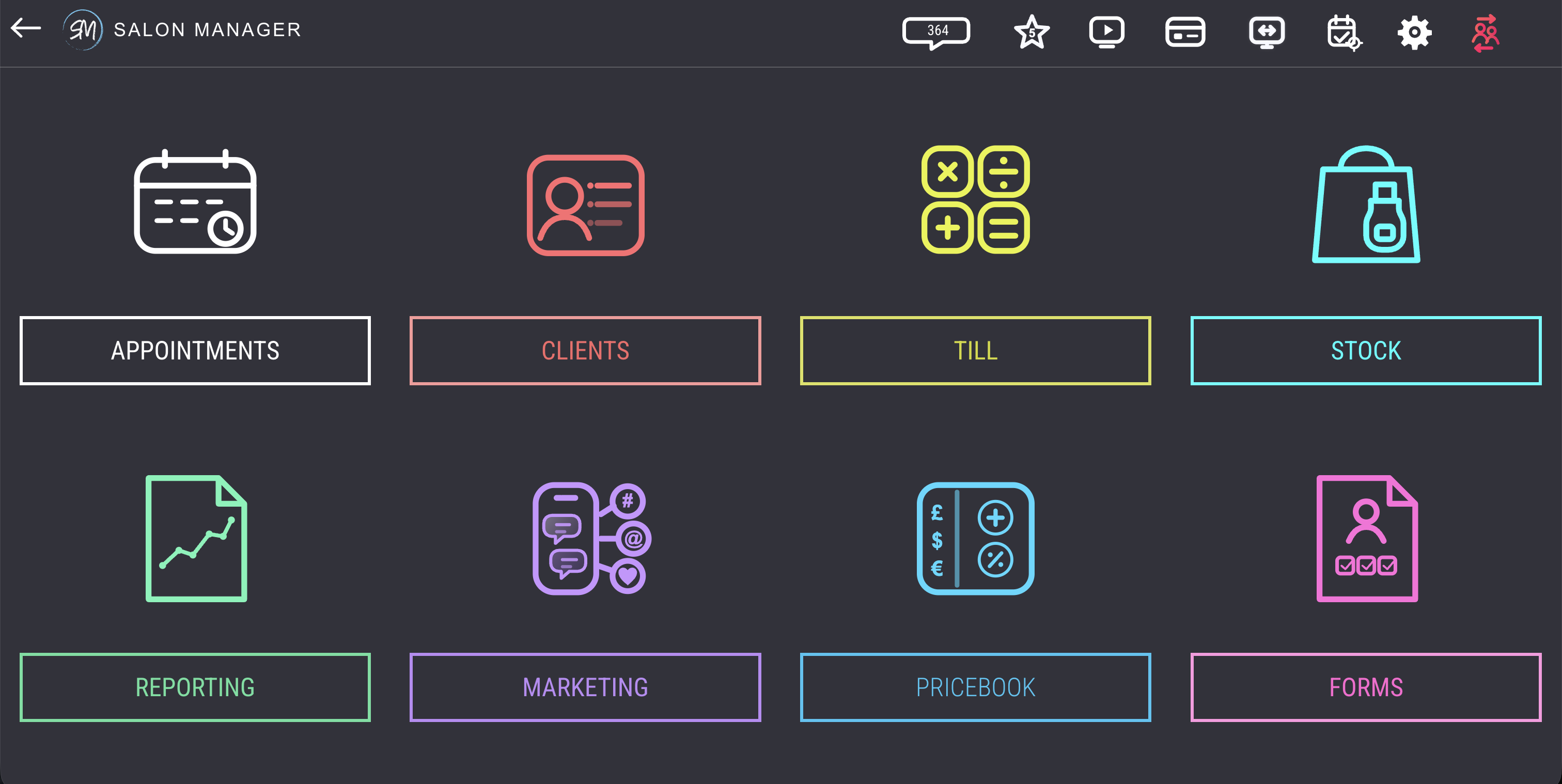
Explore Salon Manager by the part of your business you want to improve. Each overview links to a dedicated page with the detailed workflows, benefits and answers for that area.

A connected platform

Start with the outcome you want to improve

Instead of presenting every tool as a separate system, Salon Manager connects the steps your team completes throughout the client journey.

Before the visit

Fill and protect the diary

Manage availability, online booking, deposits, reminders and waiting lists without maintaining a separate booking platform.

During the visit

Give the team useful context

Bring together client history, notes, formulas, preferences and consultation information at the point your team needs it.

At checkout

Complete the visit accurately

Process services, retail, discounts, loyalty, vouchers and payments through one connected till and payment workflow.

After the visit

Learn, communicate and rebook

Use connected client, marketing and reporting information to follow up, encourage repeat visits and understand performance.

Feature directory

Explore Salon Manager by business area

Each summary below links to a dedicated page, so this overview stays useful without repeating the detailed information elsewhere on the website.

Appointments and online booking icon

Appointments & online booking

Keep the diary open, organised and under your control

Give clients convenient booking options while your team controls availability, services, staff, timing rules, deposits and diary updates.

Explore online booking and salon apps →

Salon POS and payments icon

POS & integrated payments

Connect checkout with the rest of the client visit

Handle services, retail, discounts, vouchers, loyalty, card payments and cash-up without re-entering information into separate systems.

Explore salon POS and payments →

Client records and CRM icon

Clients & CRM

Give every visit the context of the last one

Keep client history, preferences, formulas, notes, purchases and communication records together so teams can provide a more informed service.

Explore client records and CRM →

Client consultation forms icon

Forms & consultations

Capture the information your services require

Use customisable digital consultation forms to collect relevant client information and keep completed records connected to the client profile.

Browse consultation form guides →

Salon marketing icon

Marketing & reminders

Communicate using information already in the system

Use appointment and client information to support confirmations, reminders, rebooking communication and targeted email or SMS activity.

Explore automated marketing →

Stock and inventory management icon

Stock & inventory

Understand what you hold, use and sell

Keep product, supplier, retail and usage information connected to sales activity, with visibility suited to independent and multi-location businesses.

Explore stock management →

Salon reporting and analytics icon

Reporting & analytics

Turn day-to-day activity into clearer decisions

Review bookings, revenue, retail, client and team information without manually combining reports from disconnected tools.

Explore reporting and analytics →

Multi-location device support icon

Multi-location operations

Give each location structure and the group visibility

Support local teams while maintaining central visibility across permissions, client records, reporting and operational standards.

Explore multi-location management →

College and training academy icon

Colleges & academies

Bring real salon workflows into the learning environment

Give learners experience of practical front-of-house processes while tutors and departments manage teaching salon activity.

Explore college salon software →

Data security icon

Security & access

Manage access to important client and business information

Learn how Salon Manager approaches cloud access, user controls, data protection and the security information businesses need to review.

Read about data security →

Beyond the core platform

Explore AI-supported tools and payment options separately

AI and payment services change more quickly than the core feature directory. Their dedicated pages provide the latest supported information without making this overview repetitive or difficult to maintain.

Choosing the right setup

Focus on the workflows your business needs

A demonstration should show how the platform fits your real processes, not simply run through a generic list of functions.

Bring your current process

Use examples from your diary, checkout, client records and reporting so the demonstration is relevant to your team.

Identify disconnected tools

Consider which tasks currently require duplicate entry, manual checks or switching between separate systems.

Ask about access and scale

Discuss user permissions, devices, locations, college departments and future growth at the start of the conversation.

Feature questions

Frequently asked questions

These answers explain how to use this overview. Detailed product questions are answered on the linked feature pages and in the full FAQ centre.

Are Salon Manager features connected in one system?

Yes. Salon Manager is designed so appointments, client information, checkout, payments, stock, communication and reporting can work together rather than being maintained as unrelated tools.

How do I know which features my business needs?

Start with the workflows that create the most administration, risk or duplication. A tailored demonstration can then show how the relevant Salon Manager areas fit your diary, client journey, checkout and reporting needs.

Is the platform suitable for independent, multi-location and college environments?

Salon Manager supports independent businesses, growing groups, multi-location organisations, colleges and training academies. The appropriate setup depends on users, locations, departments, permissions and operational requirements.

Can I see the relevant features in a demonstration?

Yes. Share the type of business you operate and the processes you want to improve so the demonstration can focus on relevant workflows rather than covering every feature equally.

Browse all Salon Manager FAQs →

See the workflows in practice

Explore the features that matter to your business

Book a tailored demonstration with the UK-based Salon Manager team and focus on the processes you want to simplify.


© 2026 Salon Software Solutions Ltd

Website by Yello